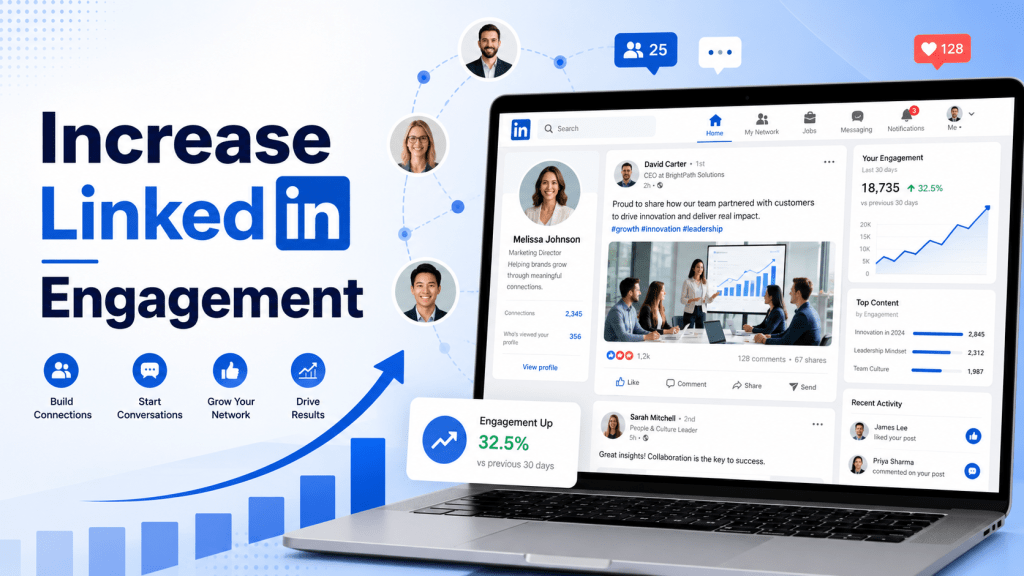
LinkedIn is one of the best platforms for professionals and businesses. People use it to learn, network, find jobs, share ideas, and discover brands. For businesses, LinkedIn can help build trust, get leads, and reach the right audience.
But only posting on LinkedIn is not enough. If people do not like, comment, share, or react to your posts, your content may not reach many users. This is why LinkedIn engagement is important.
In this blog, we will explain simple and effective ways to increase LinkedIn engagement and get more reach.
What Is LinkedIn Engagement?
LinkedIn engagement means how people interact with your content. These actions include likes, comments, shares, reposts, clicks, follows, profile visits, and messages.
For example, when someone comments on your post, shares your update, clicks your link, or follows your company page, it counts as engagement.
Good engagement shows that people find your content useful, interesting, or valuable.
Why LinkedIn Engagement Matters?
LinkedIn engagement matters because it helps your content reach more people. When users interact with your posts, LinkedIn may show your content to a wider audience.
Engagement also helps build trust. If people are commenting, sharing, and reacting to your content, others may see your brand as active and reliable.
For businesses, better engagement can lead to more website visits, more leads, better brand awareness, and stronger professional relationships.
Best Ways to Increase LinkedIn Engagement
1.) Know Your Target Audience
Before creating LinkedIn content, you should know who you want to reach. Your audience may include business owners, marketers, job seekers, HR managers, startup founders, or industry professionals.
When you understand your audience, you can create content they care about. Think about their problems, questions, goals, and interests.
For example, if your audience is small business owners, you can share marketing tips, growth ideas, business mistakes, and simple tools. If your audience is job seekers, you can share resume tips, interview advice, and career guidance.
Relevant content gets more engagement because it speaks directly to the right people.
2.) Optimize Your LinkedIn Profile or Company Page
Your LinkedIn profile or company page should look clear and professional. When people engage with your post, they may visit your page to learn more.
Use a clear profile picture or company logo. Add a strong banner image. Write a simple headline or company description that explains what you do.
Also, add your website link, contact details, services, and important information. A complete profile builds trust and encourages people to follow or connect with you.
3.) Post Useful Content Consistently
Consistency is very important on LinkedIn. If you post once and then disappear, people may forget your brand.
You do not need to post many times a day. Start with a simple schedule, such as three to five posts per week. Focus on quality over quantity.
Share content that helps your audience. This can include tips, lessons, industry updates, personal experiences, case studies, checklists, and simple guides.
When people find your content useful, they are more likely to like, comment, save, and share it.
4.) Write Strong Opening Lines
The first line of your LinkedIn post is very important. It decides whether people will stop scrolling or move on.
Your opening line should create interest. It can ask a question, share a bold thought, mention a common problem, or promise a useful tip.
Examples:
- “Most businesses make this LinkedIn mistake.”
- “Here are 5 simple ways to get more LinkedIn reach.”
- “If your LinkedIn posts get no comments, try this.”
- “Your company page is not enough. Here is why.”
A strong opening line can increase clicks, reading time, and engagement.
5.) Use Simple and Clear Captions
LinkedIn users like content that is easy to read. Avoid long, confusing paragraphs. Write in short sentences and keep your message clear.
Use simple words. Explain your idea step by step. Add spacing between lines so the post does not look crowded.
A clear post is easier to understand. When people understand your message quickly, they are more likely to respond.
6.) Ask Questions to Start Conversations
Questions are one of the easiest ways to increase LinkedIn comments. When you ask a simple question, people feel invited to share their opinion.
Ask questions related to your post topic. Do not make them too difficult.
Examples:
- “What is your biggest LinkedIn challenge?”
- “Do you use LinkedIn for business growth?”
- “Which LinkedIn content type works best for you?”
- “What is one lesson you learned this year?”
- “Do you prefer short posts or long posts?”
Questions help turn your post into a conversation.
7.) Share Personal Stories and Lessons
LinkedIn is professional, but people still like human stories. A simple story can make your content more relatable.
You can share business lessons, mistakes, wins, challenges, client experiences, team stories, or behind-the-scenes updates.
For example, instead of only saying “Consistency matters,” you can share a short story about how posting regularly helped your brand grow.
Stories make your content feel real. Real content often gets better engagement.
8.) Use LinkedIn Polls
LinkedIn polls are a simple way to get quick engagement. People can vote with one click, so polls are easy to interact with.
You can use polls to ask about preferences, challenges, opinions, and trends.
For example:
- “Which content format works best for your business?”
- “What is your biggest marketing challenge?”
- “How often do you post on LinkedIn?”
- “Do you use LinkedIn for lead generation?”
Polls can also help you learn more about your audience.
9.) Use Documents and Carousel Posts
Document posts, also called LinkedIn carousels, are great for engagement. They allow users to swipe through slides.
Carousels work well for tips, guides, checklists, frameworks, and step-by-step content.
Examples:
- “7 LinkedIn Mistakes to Avoid”
- “LinkedIn Content Strategy for Beginners”
- “5 Ways to Improve Your Company Page”
- “Simple Checklist for Better LinkedIn Posts”
Carousels can increase reading time, saves, and shares because they provide useful information in an easy format.
10.) Add Images and Videos
Visual content can make your LinkedIn posts more attractive. Images, graphics, screenshots, and videos can help explain your message better.
For example, you can share a chart, customer result, team photo, event photo, product demo, or short video.
Videos are useful for tutorials, expert tips, interviews, product explainers, and company updates.
Make sure your visuals are clear and professional. Poor-quality images may reduce trust.
11.) Use Relevant Hashtags
Hashtags help LinkedIn understand your post topic. They can also help users discover your content.
Use a few relevant hashtags related to your industry, topic, or audience. Do not add too many hashtags.
For example, if your post is about B2B marketing, you can use hashtags like #B2BMarketing, #LinkedInMarketing, #LeadGeneration, and #ContentMarketing.
Relevant hashtags can support better reach, but the content itself must still be valuable.
12.) Engage Before and After Posting
Engagement is not only about your own posts. You should also interact with other people’s content.
Before posting, spend some time liking and commenting on posts from your network. After posting, reply to comments quickly.
This helps you stay active and visible. It also builds relationships with other professionals.
When you support others, they are more likely to notice and support your content too.
13.) Reply to Every Comment
Comments are very important on LinkedIn. When someone comments on your post, reply to them.
Do not reply with only “thanks” every time. Try to continue the conversation.
For example, if someone says, “Great point,” you can reply, “Thank you. Have you tried this strategy on your LinkedIn page?”
This can encourage more replies and improve post engagement.
14.) Tag People Carefully
Tagging people can increase engagement, but only when done correctly. Tag people only if they are directly related to the post.
For example, you can tag a team member, event speaker, client, or partner if they are part of the content.
Do not tag random people just to get attention. This can look spammy and may hurt your brand image.
15.) Share Employee Content
Employee advocacy is very useful on LinkedIn. This means employees share, comment on, or create content about the company.
When employees engage with company content, it can reach more people. Their networks may see the post and learn about the business.
Businesses can encourage employees to share company updates, achievements, job openings, events, and behind-the-scenes content.
This helps increase reach and makes the brand feel more human.
16.) Share Client Stories and Testimonials
Client stories and testimonials help build trust. They show that real people or businesses have benefited from your product or service.
You can share short case studies, client wins, reviews, project results, or success stories.
For example, a marketing agency can share how it helped a client get more leads. A software company can share how a customer saved time using its tool.
This type of content can get strong engagement because it feels real and valuable.
17.) Post at the Right Time
Posting time can affect LinkedIn engagement. If your audience is active when you post, your content may get more early interactions.
Check your LinkedIn analytics to see when your posts perform best. You can test different days and times to find what works for your audience.
There is no perfect time for everyone. The best time depends on your audience, industry, and location.
18.) Use LinkedIn Analytics
LinkedIn analytics helps you understand what is working. You can track impressions, clicks, reactions, comments, shares, followers, and engagement rate.
Look at your best posts and ask simple questions. Why did this post work? Was the topic useful? Was the opening line strong? Did people comment because of the question?
When you study your results, you can create better content in the future.
19.) Display LinkedIn Content on Your Website
Your LinkedIn content can also be useful outside LinkedIn. You can show LinkedIn posts, company updates, employee posts, and professional content on your website using linkedin feed widget.
This can make your website look more active and trusted. It also helps visitors see your latest updates without leaving your site.
Tools like Tagembed can help businesses embed LinkedIn feeds on websites without complex coding. This can improve website engagement, build social proof, and increase brand authority.
Common LinkedIn Engagement Mistakes to Avoid
Many businesses struggle with LinkedIn engagement because they make simple mistakes.
One common mistake is posting only promotional content. People do not want to see sales messages all the time. Share helpful, educational, and relatable content too.
Another mistake is ignoring comments. If people comment and you do not reply, they may stop engaging with your posts.
Using too many hashtags, writing long confusing posts, tagging random people, and posting without a clear goal can also hurt engagement.
Businesses should also avoid not checking analytics. Without data, you cannot know what content your audience likes.
Quick Tips to Get More Reach on LinkedIn
- Know your target audience.
- Optimize your profile or company page.
- Post useful content consistently.
- Write strong opening lines.
- Ask simple questions.
- Use carousels and document posts.
- Share personal stories and lessons.
- Use relevant hashtags.
- Reply to every comment.
- Engage with others before and after posting.
- Share client stories and testimonials.
- Encourage employees to engage with company posts.
- Track LinkedIn analytics.
- Add LinkedIn content to your website using Tagembed.
Conclusion
Increasing LinkedIn engagement takes time, but it becomes easier when you follow the right strategy. You need to understand your audience, post useful content, write clear messages, and start real conversations.
Use questions, polls, carousels, stories, visuals, hashtags, and comments to improve engagement. Also, track your analytics so you can learn what works best.
Your LinkedIn content can also help your website. With tools like Tagembed, businesses can display LinkedIn feeds and company updates on their website to build trust and improve engagement.
The best way to grow on LinkedIn is to stay consistent, be helpful, and connect with people in a real way.


Leave a comment